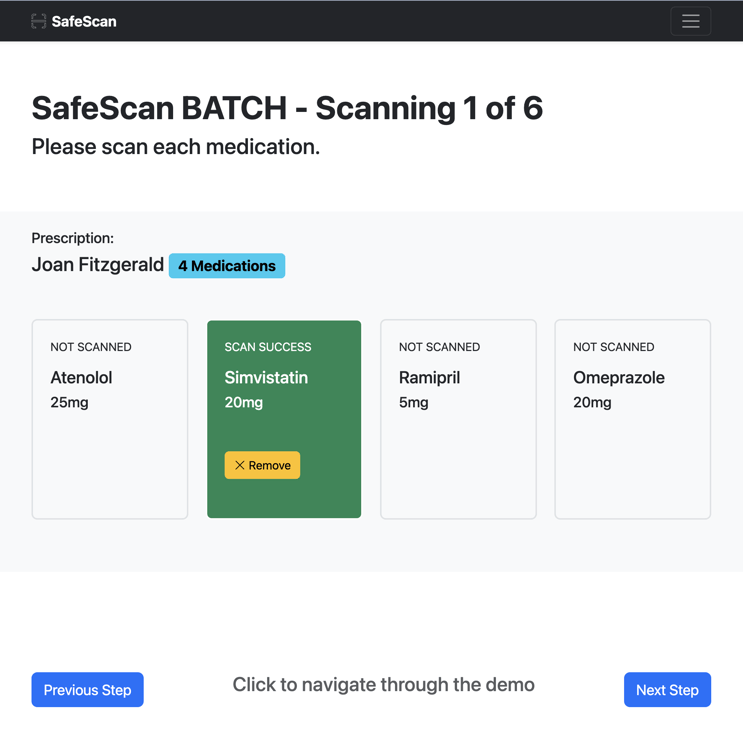
Secure prescriptions
Add a layer of security and control to the picking and packing process in your pharmacy


What are the risks?
A transcribing error may occur when the prescription is recieved into the pharmacy.
A picking error may occur when medications are collected from stock.
A packing error may occur if the wrong label is attached to a medication or other packaging.


Print item labels
1.


Pick items from stock
2.
3.
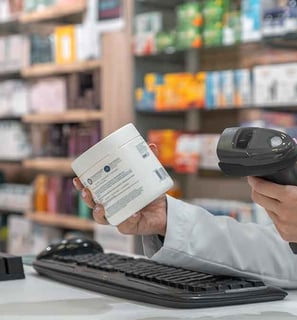
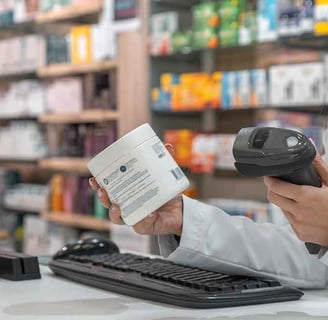
Scan each with SafeScan


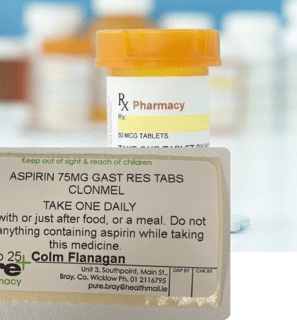
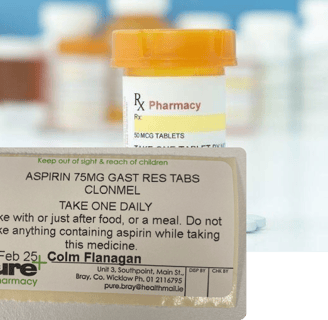
4.
Attach labels and pack
SafeScan Process
Scan each medication one at a time.
Attach each label once each scan is complete.
Pack items one at a time.
Safescan checks the entire picking process to ensure no errors are detected.
Steps for a SafeScan:
Open mockup application
Interface wireframes of the SafeScan application are available to view at the link below: